
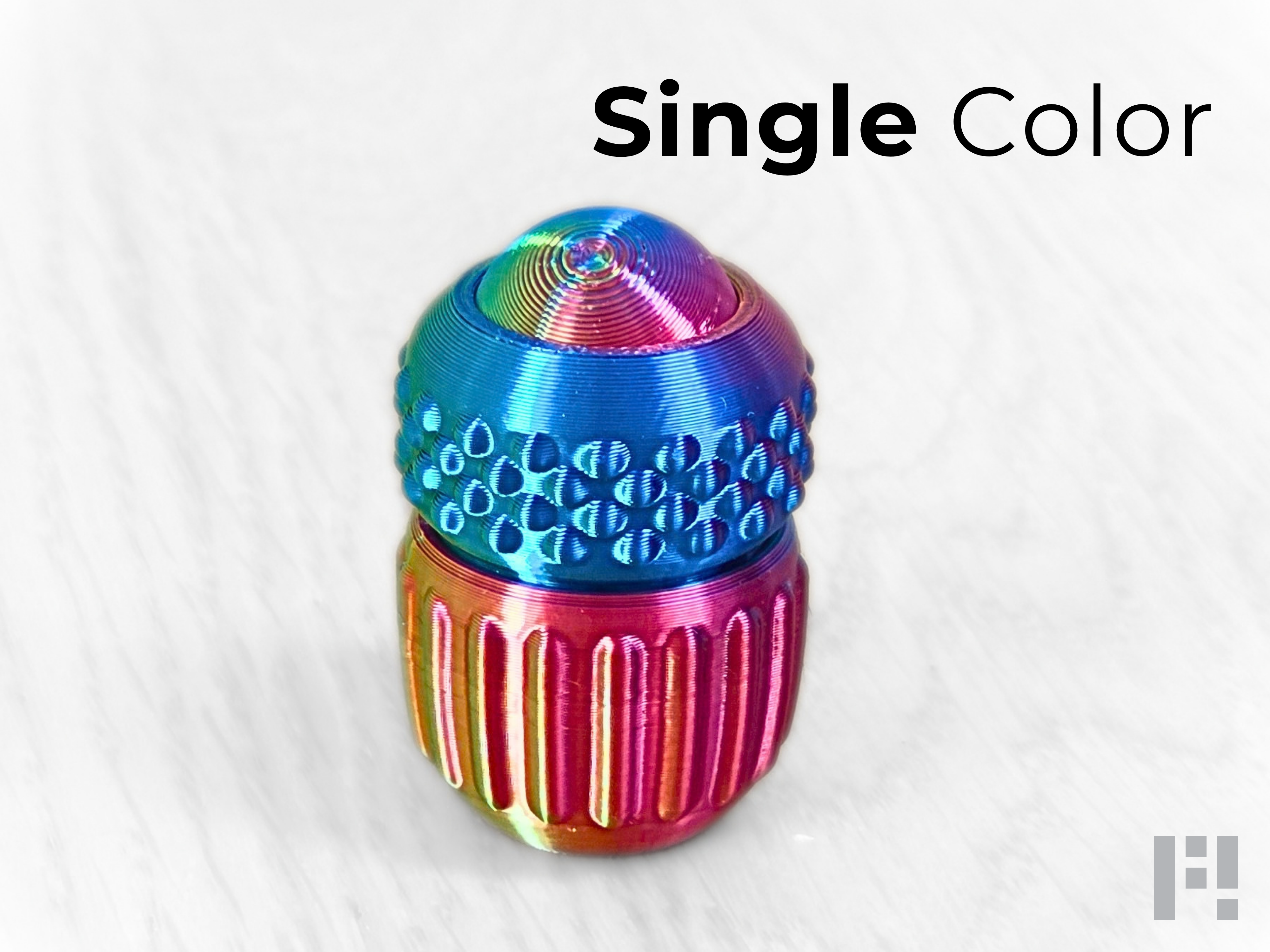
ClickDot — 4-in-1 EDC Fidget (no Supports/ no AMS)
Peso
12g
Tiempo
49m
Precio
Pregunta por WhatsApp por este modelo o uno similar
Te ayudamos a conseguir este diseño o uno parecido, con precio según color y acabado
Las dimensiones dependen del diseño. Confirmamos las medidas exactas por WhatsApp.
Este diseño es de su creador en MakerWorld y se muestra solo como referencia. Tecnoprints no es dueño del modelo ni de su licencia.
Descripción
ClickDot — Modular Tactile EDC Fidget Click. Turn. Spin. Feel. ClickDot — a compact, multi-sensory EDC fidget designed for total tactile satisfaction and endless fidgeting options. Built around a standard mechanical keyboard switch, the ClickDot gives you four distinct interactions in one ultra-sleek, pocket-sized device: Click the Gem: Press the top sphere down for a deep, satisfying mechanical switch click. Slide & Roll: The top sphere slides and moves freely in its socket for a smooth, continuous rolling motion. Twist & Turn: Rotate the top housing against the bottom section for a satisfying rotational friction/turn feel. Tactile Grip Surfaces: Featuring a high-contrast knurled "noppen" section and deep bottom grooves, giving your fingers rich tactile feedback no matter how you hold it. 🧩 Assembly & Customization Insert the Switch: Snap any standard Cherry MX-style switch into the bottom housing. Attach the Stem Adapter: Place the stem mechanism component directly onto the switch stem. Assemble the Sphere (No Glue Required): Combine the two sphere halves using the inner square guide block. The tight internal tolerances of the housing keep everything firmly aligned without any adhesive. Place the Sphere: Drop the assembled sphere onto the stem mechanism adapter. Secure the Shell: Snap the top cover ring over the assembly to lock everything cleanly into place. Customize Your Feel: The mechanical switch defines your click resistance, stroke, and sound profile (linear, tactile, or clicky). Happy printing!
Tags
Diseñador
FloW!