
Customizable Stencil Generator - 1900 Fonts, SVG
Peso
27g
Tiempo
48m
Precio
Cotiza este producto por WhatsApp
Contáctanos y te damos el precio según color y acabado
Las dimensiones dependen del diseño. Confirmamos las medidas exactas por WhatsApp.
Descripción
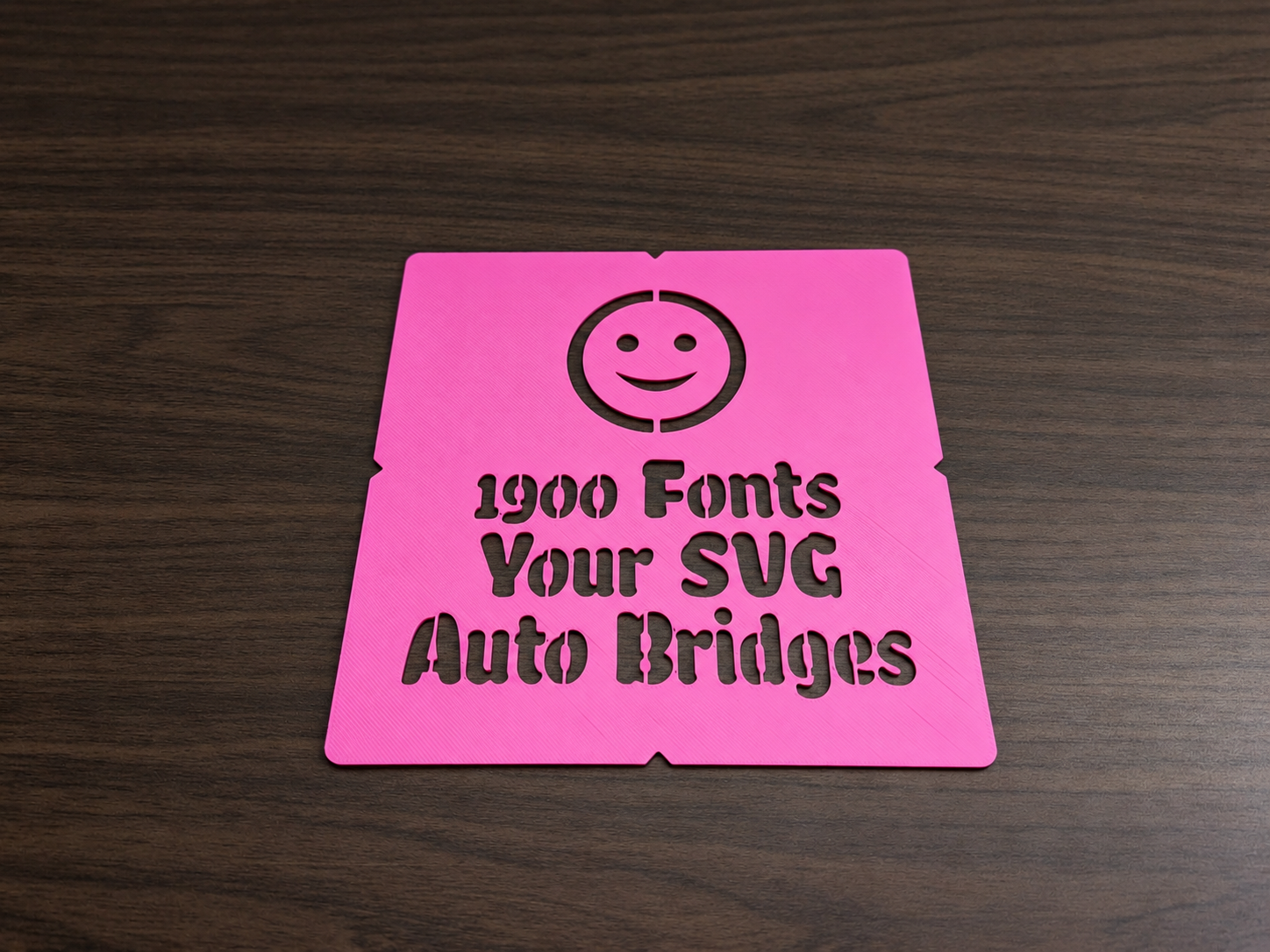
Type your text, pick a font, and get a custom stencil ready to print: for spray paint and airbrush, or to trace and fill with pens, markers and pencils. Fully customizable and parametric: personalize it with a name, a word, a number or several lines of text, and add your own logo too. Use it for crates, toolboxes, signs, wall art, t-shirts, garden markers, or anything else you want to label or decorate. A stencil has one classic problem: the inside of letters like O, A, B or 8 is not attached to anything, so it falls out and the letter comes out as a solid blob. The usual fix is a special stencil font, which leaves you with a handful of fonts that all look alike. This generator takes a better route. It finds the loose parts of whatever you type or upload and ties each one to the plate with a narrow bridge. That means you are not limited to stencil fonts: MakerWorld offers about 1,900 font families, and you can use any of them. The font picker shows names only, to see what the fonts look like, browse this preview page and copy the name you like: https://nelsonjchen.github.io/unofficial-makerworld-parametric-model-maker-openscad-docs/font-index/ *** Tips *** Pick a bold style. Tested over all the font styles on MakerWorld: about 6 in 10 make a good spray stencil, but almost 9 in 10 of the Bold, ExtraBold and Black styles do. Thin and Light styles almost never do: their strokes are too fine to spray through or to fit a pen tip. If you love a thin font, raise Letter weight. For pens, markers, use a thin plate (0.6 to 0.8 mm) so the tip reaches the paper, and make sure the strokes are wider than the tip: 2 mm or more works for most pens. Bridges leave small gaps in the letters; fill them in by hand once the stencil is off, or keep them for the classic stencil look. Avoid outline, shadow, sketch and 3D fonts. They are made of many small pieces, so the bridges end up covering much of the letters. If two lines touch, raise Line spacing. Script fonts and fonts with long tails (g, y, p) usually need about 1.4. Small letters need thin bridges. Below about 15 mm of letter height, expect the bridges to take a visible bite out of the letters. If the stencil is bigger than your print plate, lower the letter height or set Stencil width. Logos must be filled shapes. MakerWorld reads only the shapes of an SVG, not everything a drawing program can save in it. For a clean result, your file should contain filled, closed vector shapes only. Very detailed logos take longer. If generation is slow, try full-height bridges or lower Logo depth in the Advanced tab.
Tags
Diseñador
SnaKKo