
Customizable QR Code Stand
Peso
66g
Tiempo
1h 31m
Precio
Cotiza este producto por WhatsApp
Contáctanos y te damos el precio según color y acabado
Las dimensiones dependen del diseño. Confirmamos las medidas exactas por WhatsApp.
Descripción
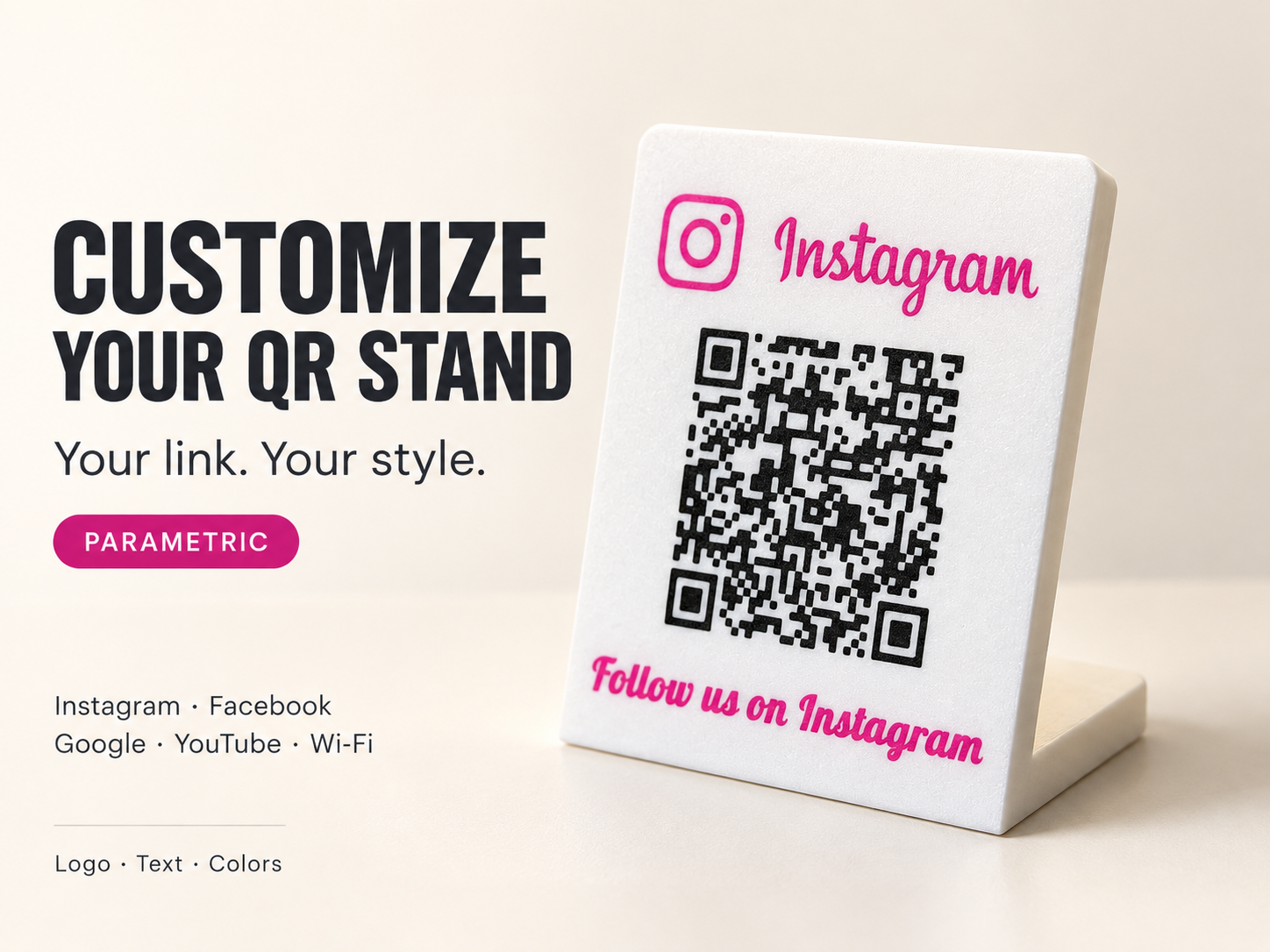
Customizable QR Code Stand – Your Link. Your Style. Create your own personalized QR code stand for your business, reception desk, café, market stall or home. Share your social media profile, link to your Google review page or provide useful information for guests. Customize it directly in MakerWorld’s Parametric Model Maker—no CAD experience needed! What can you customize? Logo: Instagram, Instagram with wordmark, Facebook, Google, YouTube or Wi-Fi. QR content: Enter your own link or text. QR size and position: Adjust the size from 40–90 mm and move it using the X/Y controls. Caption: Write your own message, such as “Follow us on Instagram”, “Reviews on Google” or “Free Wi-Fi”. Fonts: Choose from ten fonts, including script styles and bold lettering. Text settings: Adjust font size, letter spacing and position. Logo settings: Adjust the logo’s size and position. Colors: Choose separate colors for the QR code, logo and lettering. The stand has an integrated support foot. The QR code, logo and lettering are solid, flush 0.6 mm inlays, creating a smooth front surface rather than raised details. How to create your stand Open the model in Parametric Model Maker. Choose your preferred logo. Replace the example QR content with your own complete link. Enter your caption—or leave it empty to use the automatic platform-specific text. Choose your font and adjust the layout. Select your colors and generate the model. Export as 3MF and open it in Bambu Studio. Keep the body and colored elements together as parts of one object, then assign the desired filaments. Check the sliced preview before printing. Important: Selecting a logo does not automatically change the QR content. For Google reviews, enter your own review link. The Wi-Fi option adds the logo and caption; to enable network connection, enter a correctly formatted Wi-Fi QR payload. There are no separate network-name or password fields. Boost MeIf you like this model, please give it a boost! :)Printing tips Print with the decorated front face flat against the build plate, using the supplied orientation. Set both the first layer and normal layer height to 0.2 mm. The 0.6 mm inlays occupy the first three layers. Check that both the body and colored details appear in those layers. Use a dark QR code on a light background for good contrast. Leave a clear border around the QR code and avoid overlapping elements. Longer links create denser QR codes—keep small details large enough to print clearly. Multicolor printing requires an AMS or another suitable multicolor system. Approximate overall dimensions in the supplied print orientation: 123 × 100 × 55 mm. Always scan your finished print to confirm that it works before putting it on display.
Tags
Diseñador
VexaroLab