
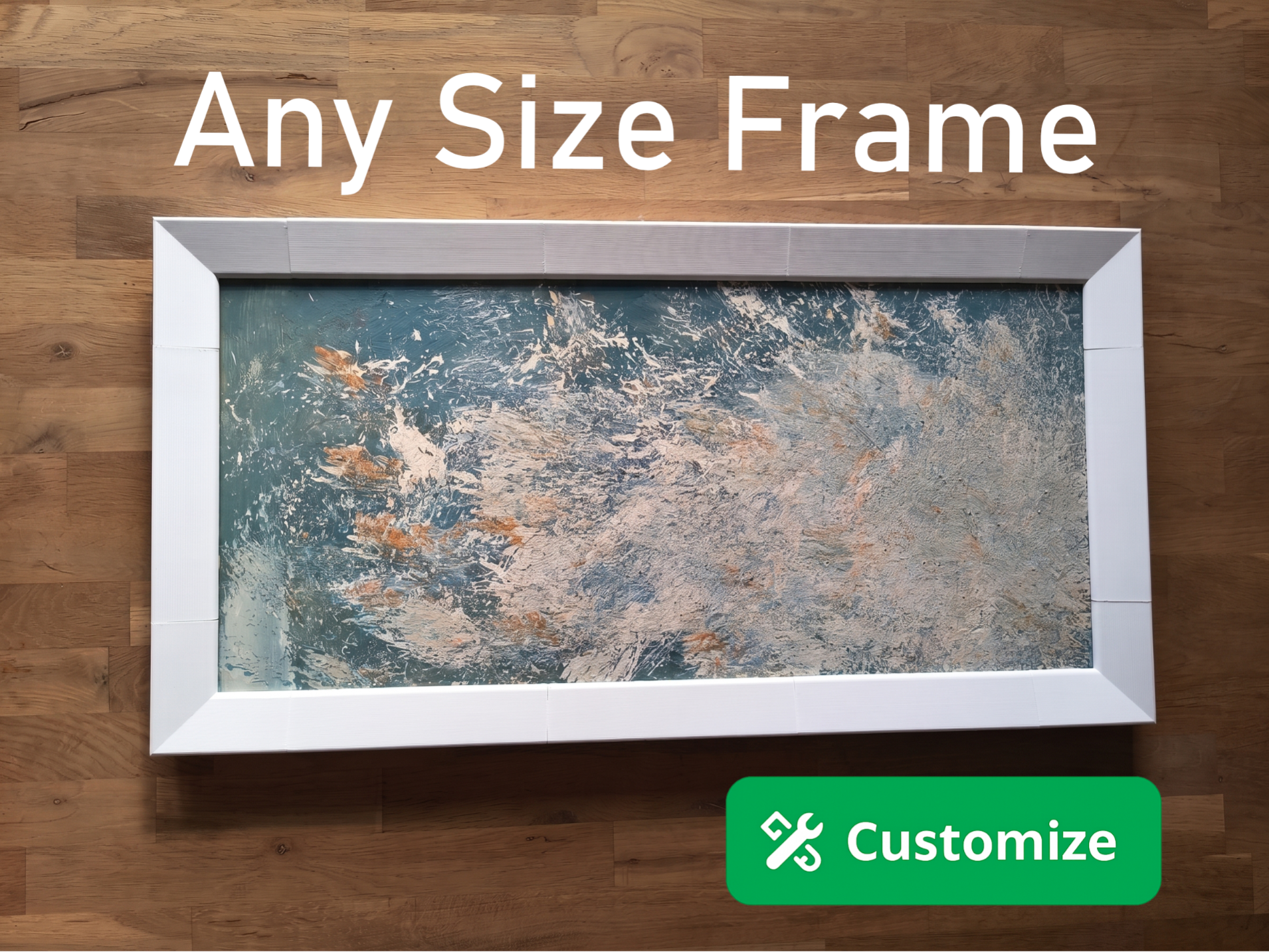
Parametric Picture Frame Generator
Peso
250g
Tiempo
10h 42m
Precio
Cotiza este producto por WhatsApp
Contáctanos y te damos el precio según color y acabado
Las dimensiones dependen del diseño. Confirmamos las medidas exactas por WhatsApp.
Descripción
A modular picture frame system that fits any canvas size. Print the corners and connectors once, then generate custom rail segments to match your artwork dimensions. Canvas clips lock the artwork in place from the back without glue. A small drop of CA glue on the connector pins is recommended for a permanent frame joint. Works with canvas depth of 10mm or more. Four plate types included in default print profile Corners are fixed parts that connect the frame at 90 degrees. Each corner takes up 65mm on each side it connects to. Print 4 for any frame. Connectors are the printed pins that join rails to corners. Print one connector per part, corners and rails combined. For example, 4 corners and 6 rails need 10 connectors total. Canvas clips are retaining pins that hold the artwork securely in the frame recess from the back. Each corner has 2 clip holes and each rail has 1. Print one clip per hole for maximum hold. Note: one hole on the top rail is reserved for wall hanging. Frame rails are the straight segments generated to your dimensions. Two generators are included Frame Side Generator calculates the rail length from your canvas size, Single Frame Rail Generator lets you enter an exact length for replacement parts or custom segments. How to use Frame Side Generator Enter your canvas side length in mm. Minimum 170mm. Enter the number of rail segments for that side. Aim for at least 40mm per segment, otherwise the connector pins won't fit. The generator calculates the segment length: (canvas length - 130) / number of segments. Click a generated part in the preview to confirm its exact length before printing. Repeat for the other side if your frame is not square. How to use Single Frame Rail Generator Enter the exact rail length you need. Minimum 40mm. Use this for replacement parts or when you already know the dimensions. Material notes PLA works well for most sizes. For larger frames (above approximately 400mm per side) consider PETG or a stronger material for better rigidity. Assembly Apply a small drop of CA glue to each connector pin before pressing into the corner sockets and rail ends. Slide the rails and corners together and let the glue set. Place your canvas in the recess and insert the canvas clips to lock it in place. If you print it, please leave a rating - it helps a lot. Boost MeHey! All my models are designed in the stolen hours between work, sleep, and pretending I'll go to bed early. Everything here is free - if something saved you a trip to the hardware store or just made your day a little easier, a boost is a great way to say thanks. Got questions, feedback, or a wild idea? Drop me a DM - I read everything, eventually. Thanks for stopping by!!
Tags
Diseñador
zomb